
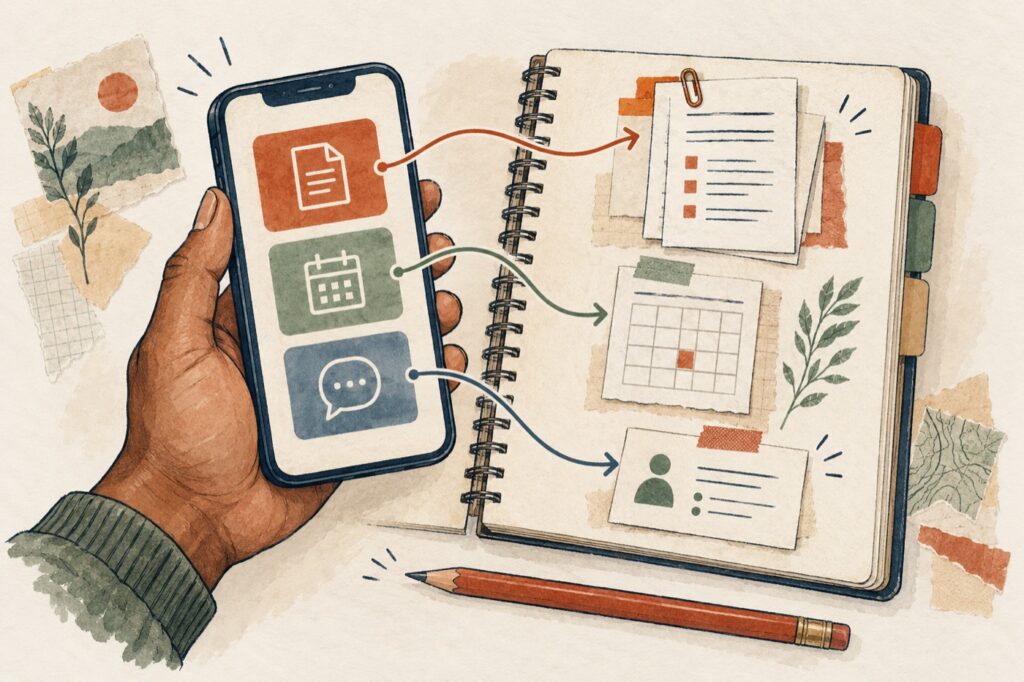
My work with unions has included producing video during strikes and events, as well as working on websites. That broader communications work is part of what draws me to a practical question: how can useful information be easier to find?
Imagine someone looking for the next meeting date, a copy of their agreement, or the right person to contact. The information may already exist. The question is whether the path to it makes sense to the person who needs it.
Here are a few places I would start when reviewing how a union shares information online.
Start With A Real Question
Before deciding what belongs in a menu, write down what someone might be trying to do. For example:
- Find the agreement that applies to their workplace.
- Check the time and location of an upcoming meeting.
- Find out whom to contact with a question.
Choose questions that reflect your union’s actual work. Then follow each path from the home page. Does it lead to a useful answer? Does someone have to know your internal department names to get there?
I think this is a useful starting point because it gives the discussion something concrete. You can look at the same task together, rather than trying to agree on whether a website feels easy to use.
Give Information A Recognizable Name
A heading such as “Meeting Dates” gives someone a clearer clue than “Updates.” A document link can name the agreement, the group it covers, its dates, and its format. Those details help distinguish it from another file with a similar name.
W3C’s guidance on writing for accessibility recommends descriptive link text. Its page structure guidance explains how properly marked headings help people navigate content, including people using screen readers.
For a union, the practical question is simple: do the words on the page match the words members would use when looking for that information?
Put The Essentials On The Page
If a meeting notice is uploaded as a flyer, I would also put the date, time, location, and contact details in ordinary page text. Someone should be able to get those basics without first opening a separate file.
For a longer document, a short introduction can explain what it is, whom it applies to, and which version is being provided. A summary should clearly point to the full document and avoid presenting itself as a replacement for it.
The U.S. government’s Section508.gov guidance on accessible PDFs notes that PDFs are often less accessible and less mobile-friendly than web pages. For a union, that is a useful reason to put essential information directly on the page and offer a downloadable document when it serves a purpose.
Let Video And Written Information Work Together
A video can carry voices, atmosphere, and a sense of what is happening. Alongside it, a short written explanation can tell someone what the video covers and where to find related information.
For video with meaningful spoken audio, accurate captions help make that content available to people who cannot hear it. W3C’s captioning guidance also explains why automatic captions need to be checked for accuracy.
I would approach a video, a flyer, and a web page as connected parts of the communication. Each can give someone a useful way into the same subject.
Follow The Path On A Phone
Open the page on a phone and try the whole task. Open the menu, follow the link, read the document introduction, and check the contact details. Then enlarge the text.
W3C’s explanation of content reflow describes the importance of keeping information and functions available as the viewing area narrows or content is enlarged.
This is also a chance to notice small obstacles. Perhaps a long label is cut off, a document title is difficult to distinguish, or the contact information is much farther down the page than expected.
Make Someone Responsible For Keeping It Useful
Finding a page is only part of the task. The information also needs to be current.
For important pages, agree on who checks them and what should trigger a review. A changed meeting location, a new agreement, or a different contact person should have a clear route to the person updating the website. Give older material an understandable place in the archive.
Ask The People Who Need It
The next step I would suggest is to ask a few members and staff to try those original tasks without coaching them through the menu. Listen to what they call things. Notice where they hesitate. Ask what they expected to find.
Start with one useful improvement, make it, and try the task again. You do not have to settle every question about the website before making one path clearer.
I’m interested in what that looks like in your union. What information is easy to share, and what keeps generating the same questions? Those experiences could give this notebook a much better starting point for the next conversation.
Ray Brown